




Budget breakdown
The Short Answer…
Check this first
Before anything else: check your local market. A T14 Gen 2 AMD at $270 is a much better buy than a T480 at $220. There is plenty of Gen 2 stock available right now as corporate leases wrap up.
Budget breakdown
What you get at each price
There is no reason to spend $800 when a $300 used business laptop can handle the exact same daily tasks.
Under $300
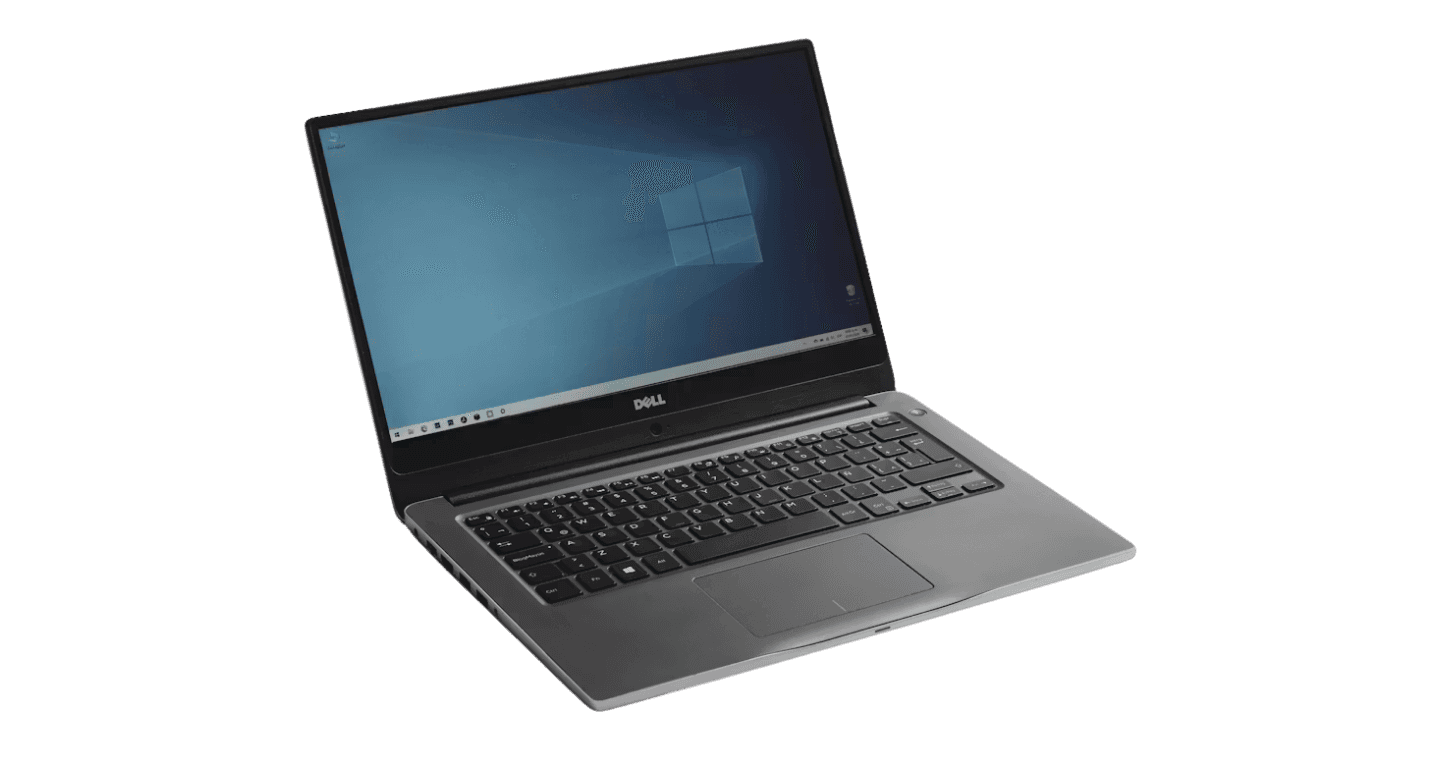
At $300 the used business laptop market is hard to beat. Companies replace their ThinkPads, Dell Latitudes, and HP EliteBooks every few years and offload them in bulk. You get a proper chassis and a real keyboard for the same money that buys a consumer laptop with a wobbly plastic hinge and 128GB of storage.
The T14 Gen 2 AMD is the best overall option in this price range right now. Lease cycles mean there's a steady supply of them on the used market, and prices have been good. The Gen 2 has a noticeably better integrated GPU than the Gen 1. The Vega 8 handles light video work and 2D gaming, and the price is about the same. If you see a Gen 1 and a Gen 2 at similar prices, just take the Gen 2.

The EU Tax.
Buying in Europe means paying 20 to 30% more than US prices before you even factor in VAT (19 to 21% depending on country). A T480 that costs $180 in the US lists for €250 to €300 in Belgium or Germany. That's before tax. Check local refurbishers first. At those prices, used ThinkPads or Dell Latitudes still beat any new consumer laptop under €400. The plastic on new budget machines starts cracking within two years.
Recommendations for this budget
Budget is under $300, any use
Search T14 Gen 2 AMD in your area. Under $300 in good shape is a solid buy. If stock is thin, a Gen 1 under $220 or T480 under $190 are the fallbacks.
Budget is under $300, EU buyer
Used ThinkPad T14 or Dell Latitude. Don't buy new in this range, the build quality gap is real.
$300 to $500
The MacBook Neo at $499 with the education discount is the pick in this range. Apple launched it in March 2026 with an A18 Pro chip, new colors (Indigo, Citrus), and a starting price that makes the old M1 Air irrelevant. If macOS works for your software, it's an easy decision.
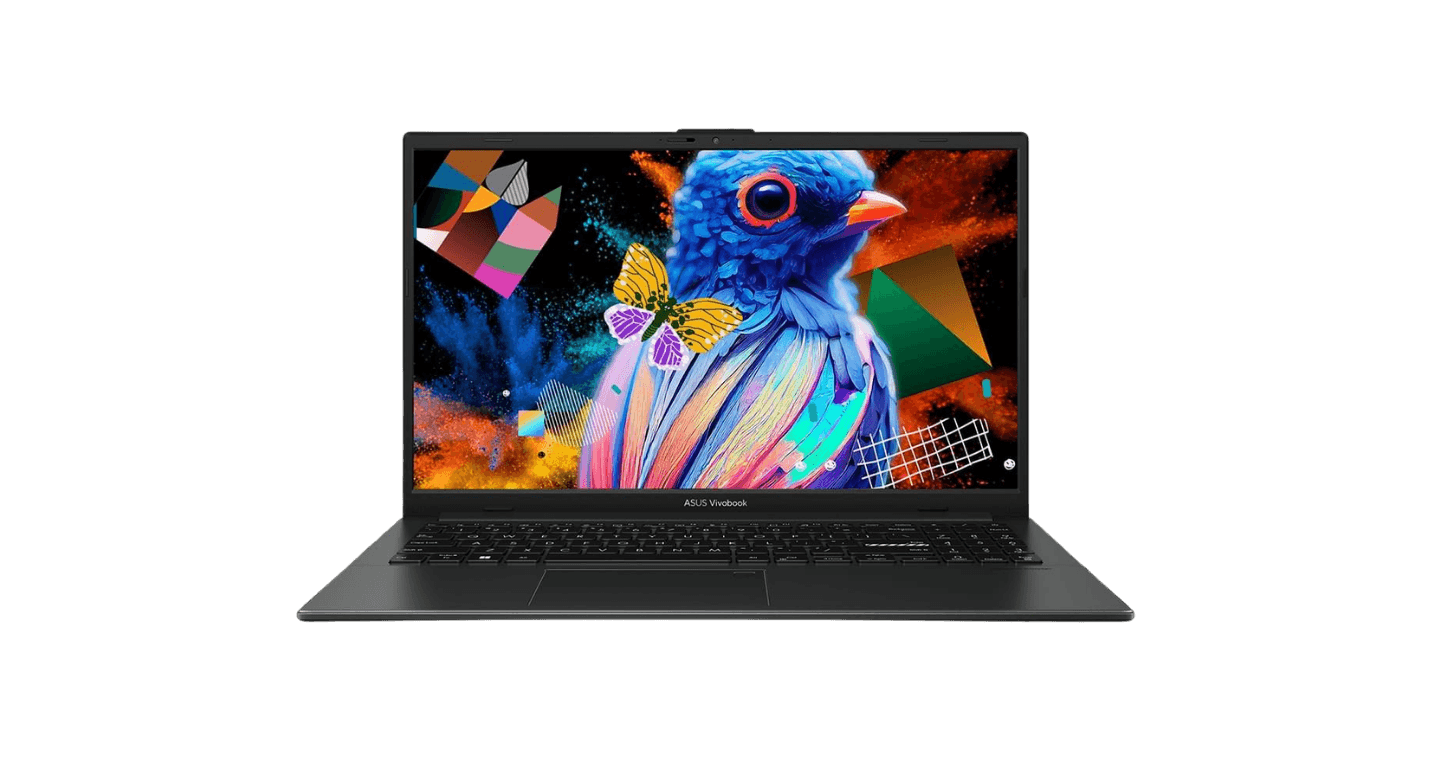
If you need Windows, the Acer Aspire 16 AI is the pick for 2026. 16GB RAM, a 120Hz 16-inch display, regularly on sale for $429. Better value than anything else in this price band on Windows.

Which one to pick
$300 to $500, school + general use, no required Windows software
MacBook Neo with student discount. $499.
$300 to $500, Windows needed or gaming matters
Acer Aspire 16 AI at $429 on sale. 16GB RAM, 120Hz screen. Don't go under 16GB on Windows.
$500 to $800
The M4 Air at $750 on sale is the best all-round laptop at this price. The Zenbook 14 OLED beats it on screen quality and Windows compatibility. Either way, get 16GB RAM. An 8GB machine at $750 is a waste of money.


By use case
What to get based on how you use it
For most people, specs are a distraction. What software you need to run is what matters.
What people get wrong
Mistakes that come up every week.
Pulled from r/laptops and r/LaptopForStudent threads.
Common mistakes, 2026
Buying 8GB RAM on Windows to save money.
On macOS, 8GB handles basic web browsing fine. On Windows, it completely chokes. Between modern background tasks and local AI integrations, 8GB leaves you with zero breathing room. 16GB is the absolute floor for a Windows machine today.
Paying $700+ for an M1 MacBook Air in 2026.
The M1 is six years old. Only worth picking up if you find one under $350. The Neo is $499 with student pricing. The M4 Air refurb is $759 directly from Apple. Paying $700 for an M1 right now makes no sense.
Buying a gaming laptop for school.
Heavy, loud, and two hours of battery off a charger. Gaming laptops look impressive on a spec sheet and are miserable as school machines. If gaming is the priority and you're okay with the trade-offs, fine — just don't expect it to pull double duty.
Not checking software requirements before buying a Mac.
Buying a Mac only to find out your classes require Windows-only software is a major headache. Check your department's list first. Engineering tools, analytics software, most PC games. It's the most common regret in the threads. Check before you buy.
Paying $400 for a new laptop when a $250 used business laptop is better.
A used ThinkPad T14 or Dell Latitude with 16GB RAM at $200 to $250 beats most new laptops under $400 on build, keyboard, repairability, and longevity. When companies refresh their fleets, the old machines end up on eBay. Most people never think to look.
Trusting battery specs.
"10 hours" on the box means 6 or 7 in real life, almost every time. The MacBook Air and Surface Laptop 7 are the only machines in this range that deliver what they advertise.
In Europe, buying new under €400 over used.
New budget laptops in this range typically have plastic hinges that start failing within two years. A used ThinkPad T14 at the same price has an aluminium chassis and will outlast it by years.
Planning to "just use a VM" for Windows software on Mac.
It works fine until you need it for something that matters — coursework, an exam, a presentation. University IT departments deal with this regularly. If you need Windows software, just get a Windows machine.
Not checking the weight before buying for portability.
Look up the exact weight before buying. It’s easy to ignore online, but you’ll definitely notice the extra bulk when walking across campus.
The debate that never ends
Mac or Windows?
Get a Mac if:
All of these need to be true
Get Windows if:
Any of these need to be true
One thing people completely miss until it's too late: New Windows laptops under $500 are almost all plastic, and it really shows after a year. Either spend $700 or more on a Zenbook or Surface, or go used with a ThinkPad. The $400 to $600 new Windows market is rough.
By major
Quick reference. Check your department's actual software list before buying.
Email your department and ask before buying anything. They'll know exactly what software is required.
Before you pay
Check these before you pay.
Most regrets trace back to skipping one of these.
May 2026
The PadVerdict Lineup. Five categories. One pick each.
One pick per category. These are the machines worth buying right now.
Best Budget Mac: MacBook Neo ($599 / $499 student)
The best-value Mac in years. A18 Pro chip, launched March 2026. Faster than the M1 and supported for years longer. If you want a Mac under $600, nothing else is close.
Best Budget Windows: Acer Aspire 16 AI (~$429 on sale)
16GB RAM and a 120Hz 16-inch display for under $450. The best hardware-to-price ratio in Windows laptops right now. If you need a big-screen machine for school and don't want to spend $1,000, this is the pick.
Best Business / Pro: ThinkPad T14 Gen 6
Fully modular. You can swap the RAM, SSD, and battery in minutes. Built for people who want a machine they can service themselves and keep for years. The keyboard is the best you'll find on any laptop at this price.
Best Ultrabook: Microsoft Surface Laptop 7
A Windows laptop that doesn't need a charger by noon. 15+ hours of real-world use. Silent. At 2.8 lbs it's easy to carry all day. Nothing on Windows touches it for battery.
Best Refurbished: ThinkPad T14 Gen 2 AMD (~$250)
Lease cycles mean there's good supply right now. Ryzen 5000 series, Vega 8 iGPU, one of the better keyboards you'll find at any price, and a chassis that holds up. Hard to beat at $250.
TRY IT NOW
LAPTOP FINDER TOOL
Answer below. Your result appears at the end.
Threads referenced
Sources
r/laptops, r/thinkpad, r/LaptopForStudent. Hundreds of threads over the course of years. These are some of the ones that shaped this page.